
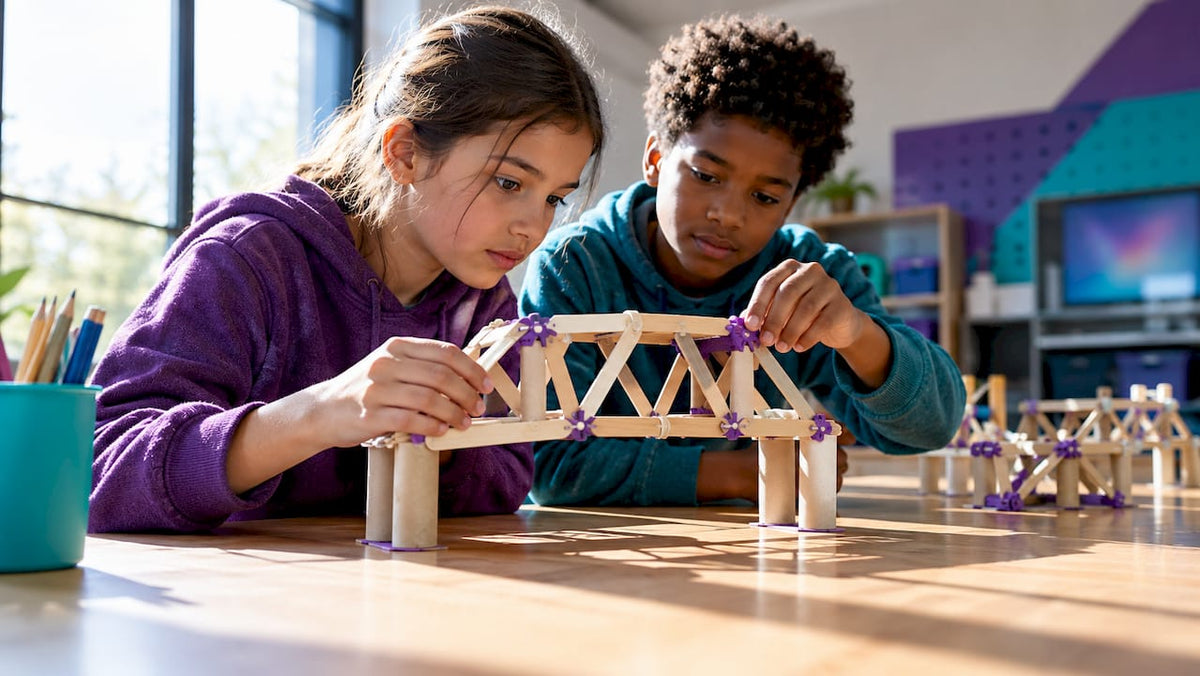
6 K–8 Unplugged Engineering Challenges to Teach Iteration & Inclusion
Unplugged engineering challenges are short, hands-on design tasks that teach the Engineering Design Process using low-cost materials and at least two build-test-improve cycles. They work beautifully in K-8 classrooms, after-school clubs, and family kitchen tables alike, because no screen or kit is required to spark genuine invention. The real magic happens in the iteration: kids test, fail a little, adjust, and discover that their first idea was never meant to be their last.
TL;DR:
- Unplugged engineering challenges are most effective when repeated with at least two build-test-improve cycles, which significantly improves students’ design proficiency.
- Challenges should be timed appropriately: 30 minutes for K-2 activities, 60 to 75 minutes for middle-grade tasks, to allow sufficient iteration and reflection.
- Using common, low-cost materials like index cards and craft sticks in pre-bagged sets streamlines setup and promotes scalability across classrooms.
- Guidance on the Engineering Design Process emphasizes asking, imagining, creating, testing, and improving, with structured reflection elevating learning outcomes.
- Assessments focus on functionality, evidence of iteration, collaboration, and documentation, linking activities to NGSS and ISTE standards while supporting skill development.
Table of Contents
- Quick starter kit: 6 ready-to-run unplugged engineering challenges
- Materials, timing, and setup for a reproducible classroom lesson
- Teaching the Engineering Design Process in unplugged challenges
- Assessment, standards alignment, and easy curricular extensions
- Evidence and expert tips behind iteration and reflection
- Why identity and small wins matter in unplugged engineering
- Bringing Team Genius Squad into your unplugged engineering lesson
- Sources
- FAQ
Quick starter kit: 6 ready-to-run unplugged engineering challenges
Every young engineer needs a place to start, and these six challenges are grouped by grade band so you can grab one and go.
For K-2 learners, keep the language playful and the physical demands light:
- Tallest tower story-build: goal is a freestanding tower tall enough to be clearly measurable; materials are 20 craft sticks, one roll of masking tape, and 10 index cards; allow 30 minutes; success metric is building a tower that stands and resists gentle movement; adapt by pre-cutting tape strips for children with fine-motor challenges.
- Simple machine story ramp: goal is moving a toy car up an incline using a simple machine like a lever or ramp described in a picture-book prompt; materials are cardboard strips, a pencil fulcrum, and a small toy car; allow 30 minutes; success metric is whether the car moves up the incline without direct hand contact; adapt by narrating the challenge aloud for emergent readers.
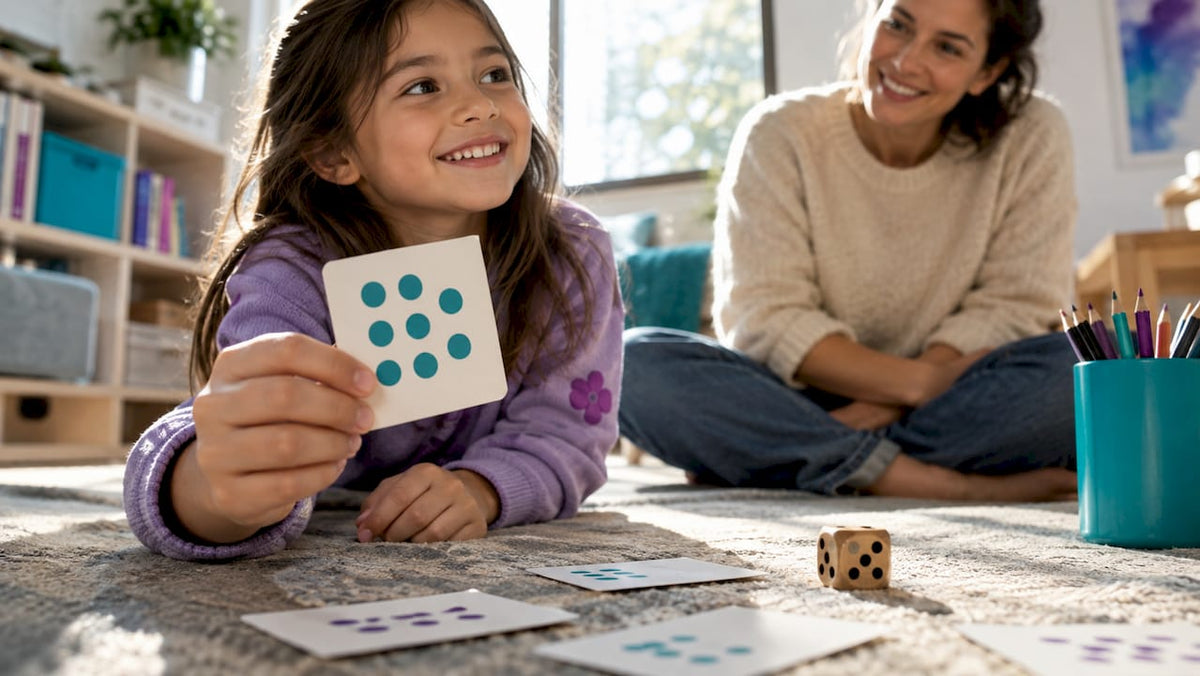
- Binary code human-gate game: goal is students acting out simple logic gates using body movement to represent on and off states; materials are none beyond index cards labeled 0 and 1; allow 15 to 30 minutes per round, a format practitioners note scales well for young learners; success metric is correctly performing simple logic gate sequences; adapt by pairing verbal and visual cues for students who need extra processing time.
For grades 3 to 5, raise the physical and cognitive demand:
- Hurricane-proof tower: goal is a structure that can stand against wind simulated by a fan for a short period; materials are straws, paperclips, and string; allow a session length appropriate for the challenge; success metric is the tower remaining standing after repeated fan tests.
- Toxic Island delivery challenge: goal is transporting a “contaminated” object across a table using only provided materials without touching it, a scenario modeled on the Toxic Island design challenge; allow a typical session duration for the challenge; success metric is the delivery system transporting materials successfully in multiple trials.
For grades 6 to 8, push toward engineering trade-offs: a shoebox glider glide-slope test, where the goal is achieving the flattest glide angle from a fixed release height using cardstock, tape, and paperclip ballast; allow 60 to 75 minutes; success metric is achieving measurable glide distances, recorded across attempts, with adaptation options like sentence-starter data sheets for students who benefit from structured writing support.
Materials, timing, and setup for a reproducible classroom lesson
Common materials used include index cards, straws, craft sticks, masking tape, paperclips, and string, with optional batteries for circuit challenges. These are the same everyday supplies that make unplugged challenges scalable across a 30 to 75-minute window.
- Pre-bag supplies in labeled sandwich bags, one per group of three to four students, so setup takes minutes rather than an entire prep period.
- Budget roughly 10 straws, 5 craft sticks, and 1 tape roll per group of four for most challenges.
- Loan bins work well for schools sharing materials across classrooms; a shared cart with pre-counted bags keeps every teacher on schedule.
A dependable a typical session splits time across asking, planning, creating, testing, and improving phases, with shorter planning times for younger students. For sensory-friendly and neurodivergent-friendly setups, offer felt or foam alternatives to sharp materials, use picture-based instruction cards alongside text, and provide low-literacy option sheets with icons instead of paragraphs.
Pro Tip: Laminate one master handout per group so instructions survive spills and get reused all year.

Teaching the Engineering Design Process in unplugged challenges
The Engineering Design Process gives every challenge its backbone. It’s commonly taught as a compact 4-step version, Ask, Imagine, Create, Improve, or an expanded 8-step sequence that adds Identify, Research, Brainstorm, Select, Construct, Test, Communicate, and Redesign for older students.
- Ask: students identify the constraint aloud, and the teacher asks, “What exactly has to be true for this to count as success?”
- Imagine: students sketch two ideas on an index card, prompted by “What would happen if this piece failed first?”
- Create: students build a first prototype, treating it as a data source rather than a finished answer.
- Test and Improve: students record what broke and why on a simple test-data table, then rebuild.
Plan for at least two full prototype cycles inside a single 30 to 75-minute session. This mirrors what a six-week NSF study of middle schoolers found: design proficiency rose significantly when guided reflection was paired with iterative build cycles, evidence that the second build matters as much as the first.
Assessment, standards alignment, and easy curricular extensions
A short rubric keeps scoring fast and fair. Score each group on four criteria: functionality (did it meet the goal), iteration evidence (did the design change between attempts), collaboration (did every student contribute), and documentation (is the test data recorded).
- Functionality: full credit if the prototype meets the stated success metric on any trial.
- Iteration evidence: full credit if the second prototype differs from the first in a documented way.
- Collaboration and documentation: score together using a quick observation checklist during the Test and Improve phases.
Most unplugged challenges naturally touch multiple NGSS engineering design standards and ISTE computational-thinking indicators in a single session, especially when a challenge requires measurement or a written design pitch. Extend a lesson by adding a ruler-and-graph step to compare tower heights across groups, or have students write a two-sentence persuasive pitch defending their final design, both of which fold math and literacy practice into the same activity.
| Criteria | What full credit looks like |
|---|---|
| Functionality | Prototype meets the stated success metric |
| Iteration evidence | Second build differs from the first, documented |
| Collaboration | Every student has a recorded contribution |
| Documentation | Test data is recorded before redesign |
For more age-banded ideas that plug into this rubric, our LEGO STEM challenges by age guide offers additional build prompts.
Evidence and expert tips behind iteration and reflection
The research is consistent on one point: repeated building with reflection improves learning outcomes compared to single attempts. The same NSF-backed study that tracked middle schoolers over six weeks found stronger design proficiency when students connected challenges to authentic problems and recorded structured reflections between builds.
Guided reflection paired with iterative physical building produces measurable gains in design proficiency.
Pro Tip: Ask “what failed, and why” before letting a group start their second build. That single question turns a flop into diagnostic data.
Effective approaches involve engaging children in hands-on problems, supporting productive struggle, and empowering iteration.

Why identity and small wins matter in unplugged engineering
I’ve watched a shy student refuse to touch a straw tower after it collapsed once, then rebuild it twice as tall the moment someone called her “the engineer in charge of the base.” Role-play badges and lab coats aren’t decoration. They give kids permission to see failure as data, not defeat.
Center student ownership. Let them name their own design, choose their own materials within limits, and decide what “improve” means for their build. Confidence follows competence, and competence follows a second try.
— Tita
Bringing Team Genius Squad into your unplugged engineering lesson
Every classroom needs materials that are ready before the bell rings, and our Experiment Kits pair hands-on builds with handouts and role-play lab coats that turn a single challenge into a full identity-building experience. A kit can anchor one 45-minute lesson or stretch into a short unit when paired with the DIY activities above.

- Kits include materials, printable handouts, and role-play accessories mapped to real engineering tasks.
- Simple homemade kits using everyday materials allow flexible, affordable implementation.
- Bundles like the STEM-STEAM Electricity Lab Experience Bundle extend easily into circuit-based unplugged challenges.
Browse the full shop-all collection to find a kit that fits your next lesson.
Sources
For full lesson plans beyond this playbook, these repositories are worth a bookmark:
- Toxic Island design engineering challenge — TeachEngineering
- Usable STEM iterative instructional models — NSF (par)
FAQ
What are some examples of unplugged activities?
Common examples include building a freestanding tower from straws or craft sticks, acting out binary logic gates through movement, and designing a delivery system to move an object without touching it, such as the Toxic Island challenge. Each pairs a physical build with a clear testing step.
What is unplugged coding?
Unplugged coding teaches computational thinking concepts like sequencing, loops, and logic gates through movement, cards, or role-play instead of a computer. A human-gate activity has students simulate binary addition by acting as circuit components, with rounds running 15 to 30 minutes.
What activities teach computational thinking without devices?
Role-play games where students become logic gates, sequencing games using picture cards, and pattern-based sorting tasks all build computational thinking offline. These formats let younger students practice algorithmic thinking before they ever touch a keyboard.
What does “unplugged activity” mean?
An unplugged activity is any learning task that teaches a technical or engineering concept without a screen, app, or device. It relies on physical materials, movement, or role-play to make abstract ideas concrete.
How long should an unplugged engineering challenge last?
Most unplugged engineering challenges run between 30 and 75 minutes, depending on grade level and the number of build cycles planned. Shorter sessions suit K-2 students, while upper-elementary and middle-school challenges often use the full range to allow two prototype cycles.


Leave a comment
This site is protected by hCaptcha and the hCaptcha Privacy Policy and Terms of Service apply.